
If your signal drops right near port — or your connection gets patchy right as you’re leaving or arriving — that’s not a fault with your eSIM or your plan; it’s a genuine gap between two networks, and it’s normal. It has a name: the 12 nautical mile gap.
This post contains affiliate links for GigSky and Maya.
Table of Contents
What I Actually Noticed
On Legend of the Seas, I was on Maya the whole trip and genuinely didn’t think about connectivity at all — that was the appeal. Then one morning, up early to watch us sail into port, my phone (in my pocket, barely used that morning) suddenly buzzed with a flood of notifications all at once, right as we were arriving. I hadn’t even realised it had disconnected — I just hadn’t been using it enough to notice until everything landed at once.
A couple of days later, leaving a different port mid-call, I watched the connection gradually get worse as we headed out to sea. I assumed it was where I was standing on the ship and went up to the top deck to check — no difference. About an hour later, once we were properly out at sea, it cleared up on its own. That’s when it actually clicked what was going on.
Why the 12 Nautical Mile Gap Happens: Two Networks, Neither Quite Reaching
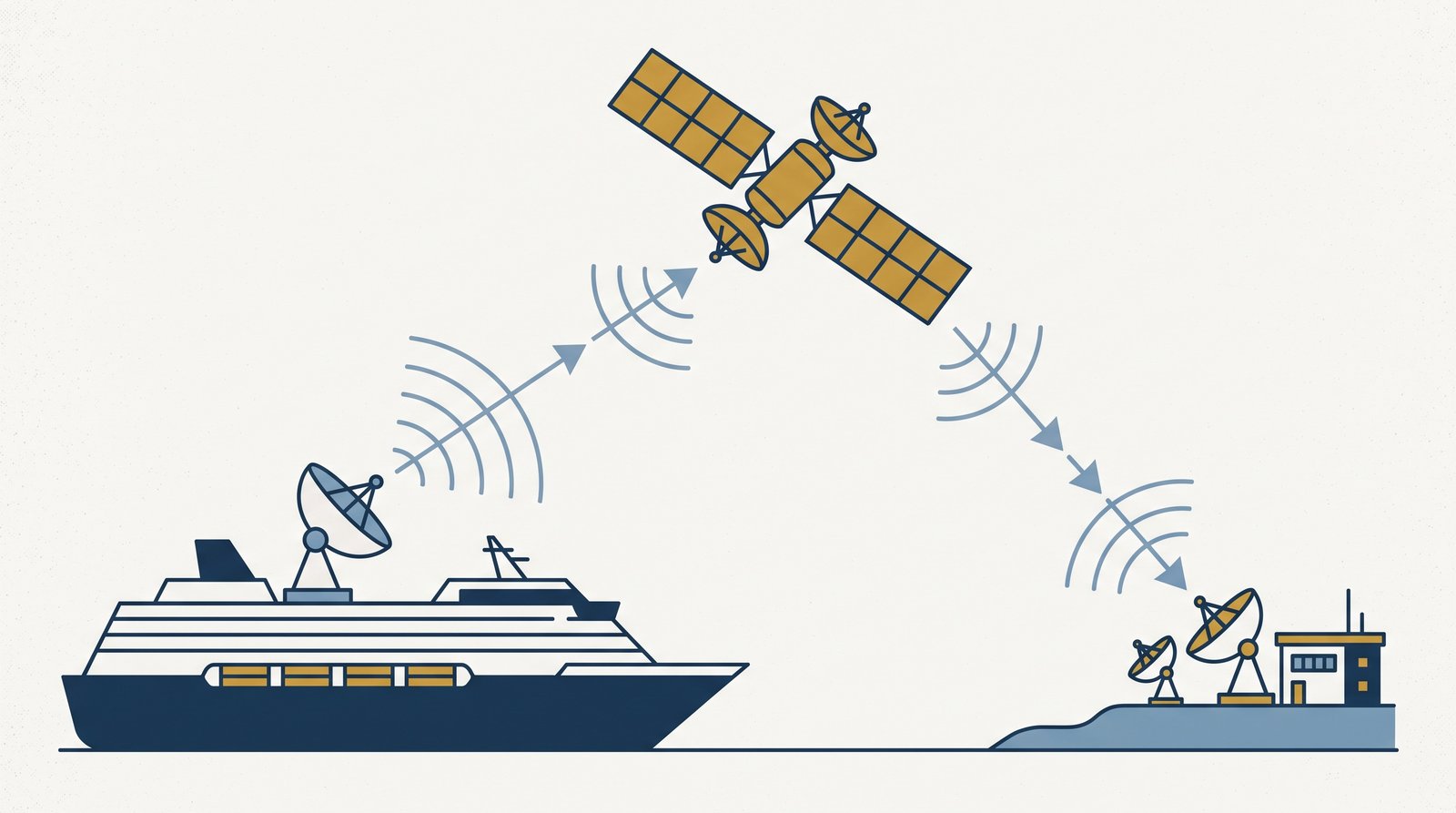
Ships aren’t allowed to run their onboard maritime network freely near land — regulations (in Europe, ECC Decision (08)08) require it to stay switched off within 12 nautical miles of the coast, specifically so it doesn’t interfere with ordinary land-based networks. Meanwhile, normal land towers only reliably reach so far out to sea — roughly 10 to 15 miles under good conditions, often less. Add those two limits together and there’s a real window, right around that boundary, where you can be too far out for a solid land signal but not yet far enough out for the ship’s own network to legally switch on. That’s the gap you fall into for a few minutes to an hour on either side of port.
Does This Happen Every Time?
Not necessarily noticeably. It’s really about whether you’re actively using your phone at that exact moment — I’d sailed plenty of times without spotting it, simply because I wasn’t on a call or actively watching my screen right as we crossed that line. It tends to show up as a scatter of delayed notifications arriving at once, or, if you’re unlucky with timing, a call or download that stutters for a bit.
What To Do About It
Nothing, really — that’s the reassuring part. It resolves itself within roughly an hour as the ship clears the boundary properly, whichever direction you’re travelling. Moving around the ship won’t fix it, since it’s not a positioning issue on your end. If you’re on a call right at that window, just expect it might drop and be ready to redial once you’re clear.
Our Verdict
Worth knowing about mainly so it doesn’t feel like something’s wrong with your plan — it isn’t, whether you’re on GigSky, Maya, or anything else. It’s most likely to catch you out on a cruise+land plan specifically, since that’s the setup where you’re used to being covered continuously and don’t expect a gap at all. If you want the fuller picture of how the ship’s network works the rest of the time, How Does eSIM Actually Work at Sea? covers the mechanism properly — and if you’re weighing up cruise-only against cruise+land in the first place, Cruise-Only vs Cruise+Land: Which Package? is the place to start.
Last updated August 2026. This post contains affiliate links for GigSky and Maya — I get a small commission if you buy through them, at no extra cost to you. More on how that works →
Still deciding which eSIM?
Answer a few questions, get a personalised recommendation in under a minute.
Maya say it doesn’t support legend of the seas?
I think it’s because it’s a new ship and its not made it onto the list yet, but the other ones in that class were listed. It certainly worked for me without any problems