
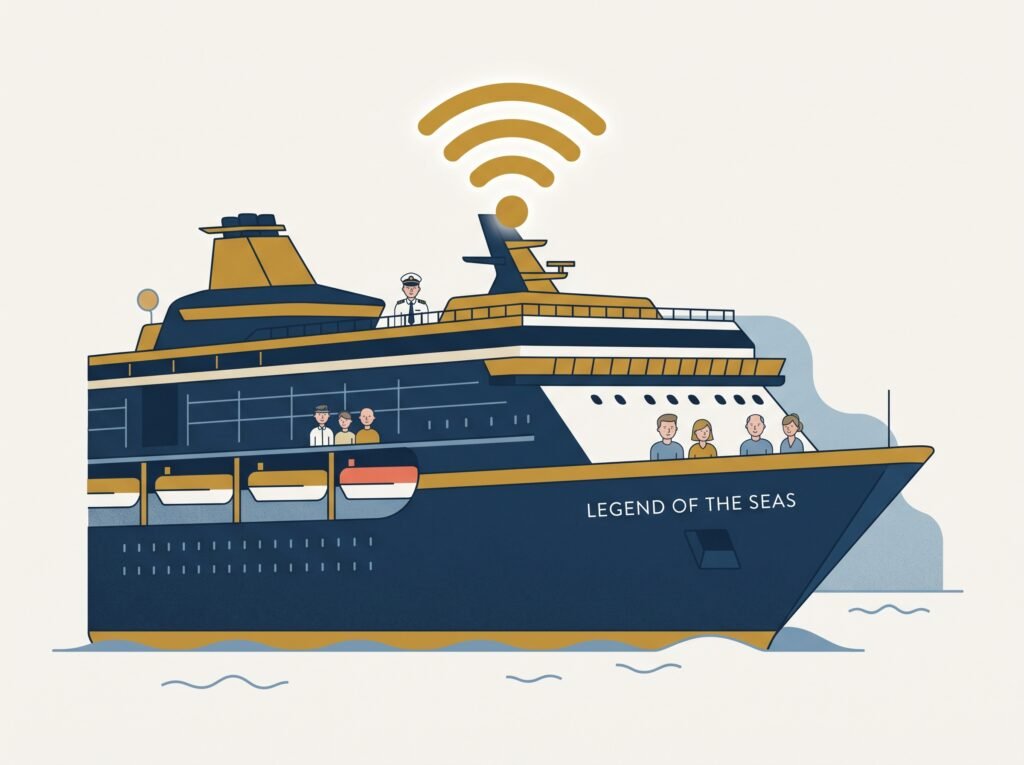
Wondering how you’ll stay connected on your Royal Caribbean cruise? Here’s what you actually need to know about your WiFi and internet options — no jargon required.
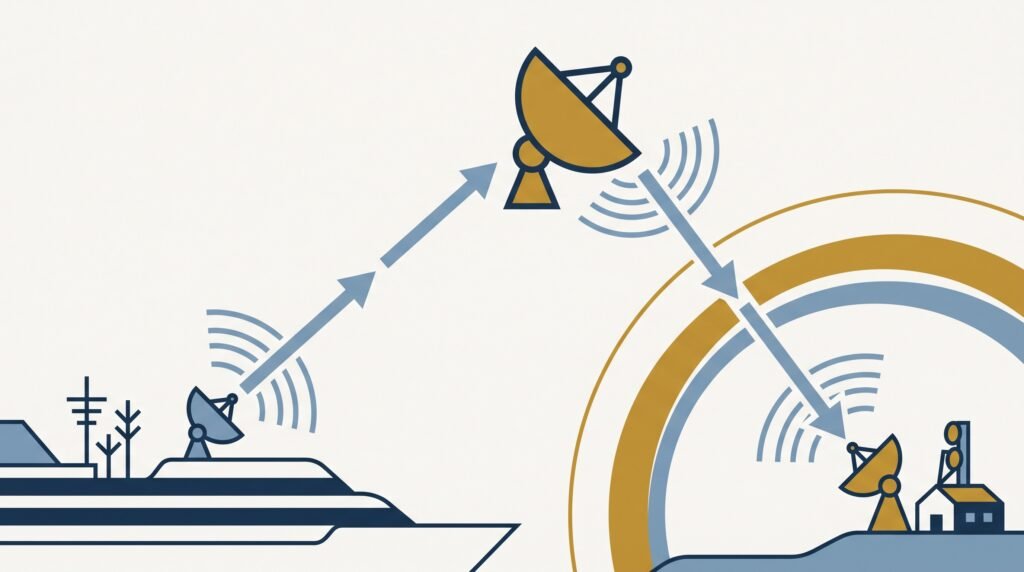
The good news first: Royal Caribbean WiFi, branded VOOM, works well these days. Every ship in the fleet runs on Starlink — the same satellite system behind the recent leap in cruise ship WiFi quality generally. (Older cruise ship WiFi bounced its signal off satellites parked much further out in space, which is what caused that familiar lag every time a page tried to load. Starlink’s satellites sit much closer to Earth, so most of that lag is gone.) None of that’s essential to know — what matters is which package to buy and what to expect, which is what the rest of this page covers.
This page contains affiliate links for GigSky and Maya.
The Fleet: Not Every Ship Is Wired the Same Way
Table of Contents
Every Royal Caribbean ship runs the same Starlink connection, but not every ship distributes it around the vessel the same way. Icon, Oasis, and Quantum Class ships — the newest, biggest classes — were built with WiFi access points fitted inside individual cabins, so the signal doesn’t have to fight its way through a steel door to reach you. Older ships — Vision, Radiance, Voyager, and early Freedom Class — only have access points out in the corridors, so the signal has to pass through your cabin door and walls to get to your phone. It still works, but you’re more likely to notice a dip inside the cabin, especially compared to how strong it feels out on deck or in the public areas. Wherever you’re sailing, connections also get busier between roughly 2pm and 5pm on sea days, when everyone’s up on deck at once — that’s demand, not a fault with your package.
Royal Caribbean WiFi Packages and What They Cost
Royal Caribbean sells one WiFi package — VOOM Surf + Stream — covering everything from browsing and email to streaming and video calls. Pricing shifts with ship, itinerary, and demand rather than sitting at a flat rate — the figures below are approximate:
| 1 device | 2 devices | 3 devices | 4 devices | |
|---|---|---|---|---|
| Per device, per day — pre-purchased | £17 | £14 | £12 | £11 |
| Per device, per day — bought onboard | £23 | £19 | £17 | £16 |
Pre-purchased for a 7-night cruise, that’s about £119 for one device, £196 combined for two, £252 for three, and £308 for four — the per-device cost falls as you add more, so buying separate single-device plans rarely makes sense once more than one of you wants to be online. Pre-purchase where you can — it typically saves 10–35% versus onboard prices, and you can cancel and rebook for free up to 48 hours before you sail if the price drops afterwards.
If you only need a single day, a 24-hour continuous pass is available onboard for roughly £26 — but the clock starts the moment you activate it and doesn’t pause, so it’s really a one-day option rather than a flexible top-up.
Loyalty and Status Discounts
Royal Caribbean folds WiFi access into three separate loyalty structures, so it’s worth checking what you might already be entitled to before paying for anything.
Crown & Anchor Society (the general loyalty programme): Diamond members get one free 24-hour VOOM pass per cruise; Diamond Plus members get two (48 hours combined); Pinnacle Club members get a full-cruise VOOM Surf + Stream package for one device, free, for the whole sailing.
Club Royale (the casino loyalty tier): Prime members get 30% off any VOOM package; Signature members get a full-cruise package for one device free; Masters members get it free for two devices.
Suite guests: book a Grand Suite or higher on an Icon, Oasis, or Quantum Class ship and VOOM Surf + Stream is included free for every guest registered in that suite. Junior Suites don’t qualify, and the perk doesn’t carry over to suites on older ship classes — those guests pay the same as everyone else unless a specific promotion applies.
What to Know Before You Buy
Hotspotting is hit or miss, and depends on your phone. iPhones can’t stay connected to VOOM and broadcast their own hotspot at the same time — a limitation you’ll find ship to ship, not something Royal Caribbean does deliberately. Some Android phones can technically do both at once through a feature usually called WiFi bridging, but it’s not guaranteed to work on every model, and it isn’t something the VOOM package is designed around. If you need more than one device online reliably, the multi-device bundle above is the straightforward route.
Travel routers are banned, not just discouraged. Royal Caribbean’s Guest Conduct Policy explicitly lists routers, access points, and signal boosters as prohibited items, and security screening at the terminal is actively looking for them. Since a December 2024 policy tightening, confiscation reports have continued right through 2026 — security will hold the device until the end of the cruise if they find one in your luggage. Whatever workaround you’re picturing, it’s not worth losing the hardware for the whole trip. If covering multiple devices is the actual goal, the multi-device VOOM bundle does the same job legitimately.
The free app covers basic messaging without buying anything. Royal Caribbean’s own app works over the ship’s guest WiFi without a paid VOOM package — you can check the daily schedule, book dining, and send text messages to other passengers on the same sailing. It’s genuinely useful for coordinating with your own group onboard, but it’s text-only (no photos, voice notes, or calls), notifications can lag because the app has no persistent background connection, and it won’t reach anyone who isn’t also on the ship. For that, you’re back to VOOM or an eSIM.
Perfect Day at CocoCay
If your itinerary includes Perfect Day at CocoCay, Royal Caribbean’s private island in the Bahamas, there’s genuinely nothing to think about: the island runs off the same Starlink connection as the ship, so an active VOOM package keeps working exactly as it did onboard — no reconnecting, no separate island pass, no switching networks.
What About When You’re Off the Ship
VOOM covers you well at sea, and that’s not really in question anymore. What’s worth thinking through separately is what happens once you’re off the ship — CocoCay aside, VOOM doesn’t follow you onto dry land. Realistic options here: fall back on your own phone’s normal network (several UK providers now offer a flat daily roaming add-on for popular cruise destinations, sometimes just a couple of pounds a day — check before you go, since coverage and pricing both vary by provider and itinerary), find free WiFi in port cafés and terminals, or use a dedicated maritime eSIM.
For most people, an eSIM like GigSky’s cruise plans or Maya isn’t the obvious first move — your own phone’s daily roaming usually does the job if your provider covers the ports you’re visiting. Where an eSIM earns its keep is if you’d rather have one connection that works the same way at sea and in port without switching over each time, or your normal roaming doesn’t reach a particular destination well. It also gets around the hotspot restriction mentioned above, since eSIM data runs over your phone’s own mobile signal rather than through the ship’s WiFi, so Personal Hotspot works as normal. (The mechanism works a bit differently to how it does at home — How Does eSIM Actually Work at Sea? covers it.)
Ship WiFi vs. an eSIM: The Actual Cost
For a typical 7-night cruise, one device, figures rounded and approximate — VOOM pricing shifts with demand and both eSIM providers run regular promotions, so treat this as the shape of the gap rather than an exact quote:
| 7 nights | Streaming? | Works in port? | |
|---|---|---|---|
| VOOM Surf + Stream | £119 | Yes | No (except CocoCay) |
| GigSky (1GB bucket) | £25 | No — light use only | Yes |
| Maya (unlimited) | £80 | Yes | Yes |
If you want the fuller head-to-head between the two eSIM providers, GigSky vs Maya: Which Should You Choose? covers that properly.
I put Maya’s Global + Cruise eSIM through its paces on Legend of the Seas — here’s my honest verdict.
Which Type of Traveller Are You?
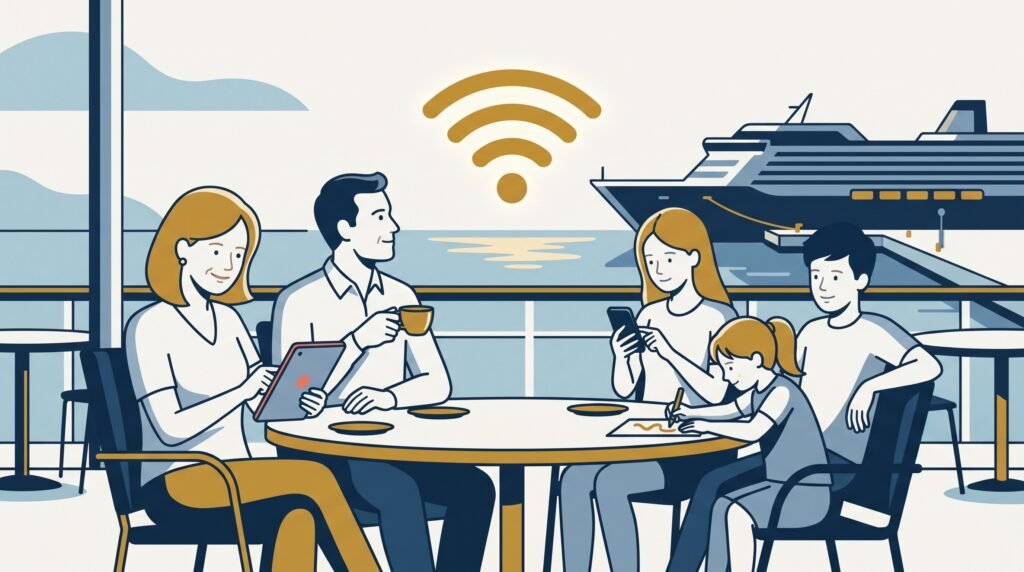
Travelling as a family who all want to be connected. The multi-device VOOM bundle is the better-value option — buy it for however many devices you’re actually covering, since the per-device cost drops with each one added. For port days, most families are fine just using their own phones’ normal roaming rather than sorting anything extra.
Mostly keeping in touch with your own group onboard. Royal Caribbean’s free app chat covers this without buying anything — texts only, and it’s just for messaging people on the same sailing, but it costs nothing. Can I Message My Family Around the Ship? goes into more depth on what that free option can and can’t do. If you also need to message people back home, or want reliable notifications, you’re back to VOOM or an eSIM.
Want to stream, video call, or work properly. VOOM Surf + Stream covers that at sea, on however many devices you buy into the bundle. If you’d rather have one connection that works the same way at sea and in port without switching over each time you dock, that’s where an eSIM like Maya earns its keep.
Already have Crown & Anchor, Club Royale, or a qualifying suite booked. Check what you’re entitled to before paying for anything — a free 24-hour pass, a full-cruise single-device package, or suite-wide access might already cover what you need, and it’s easy to miss if you don’t know to look for it.
Which of these fits really comes down to two things: how many devices you’re covering, and whether you’re already sitting on a loyalty perk you haven’t checked. There’s no single right answer here — just whichever of the above actually matches how you’ll use your phone on this trip.
Last updated August 2026. This page contains affiliate links for GigSky and Maya — I get a small commission if you buy through them, at no extra cost to you. More on how that works →
I’ve actually sailed this one
I took a Maya Mobile eSIM on Legend of the Seas instead of buying VOOM. What worked, what didn’t, and what I’d do differently.
Still deciding which eSIM?
Answer a few questions, get a personalised recommendation in under a minute.