
If your phone’s battery has ever nosedived on a cruise — even when you’ve barely touched it — you’re not imagining it: this is exactly why your phone battery drains so fast at sea, and it’s a well-documented mechanism worth understanding.
This post contains affiliate links for GigSky and Maya.
Table of Contents
What’s Actually Happening: Why Your Phone Battery Drains So Fast
Normally, your phone talks to a cell tower at low power, because the tower’s close and the connection’s easy. When the signal gets weak — like as your ship pulls away from the coast — your phone cranks its transmitter up to maximum power trying to hold onto that fading connection. That alone uses noticeably more battery than normal.
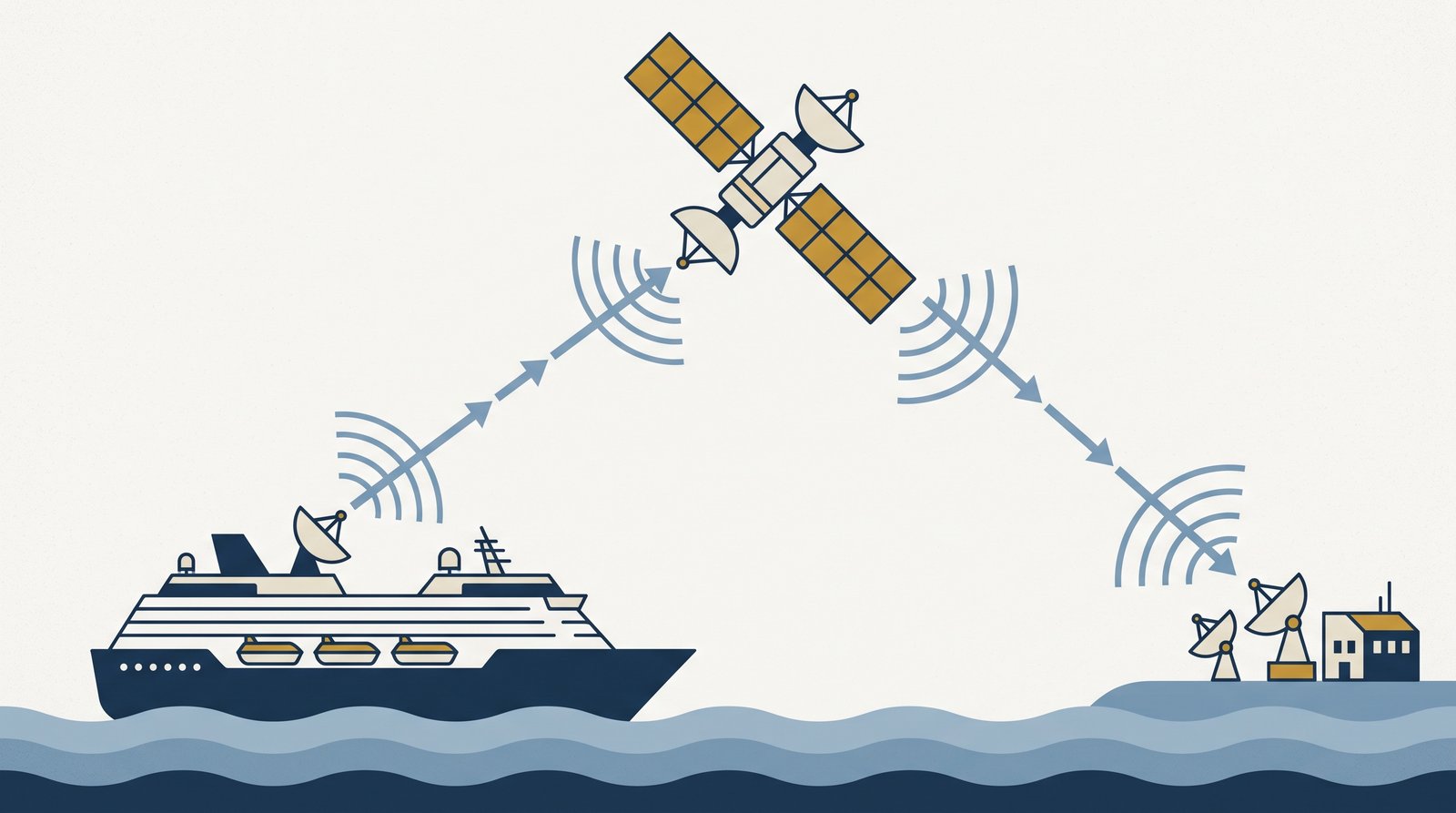
Then, once the land signal disappears completely and before the ship’s own network switches on, your phone doesn’t just give up and idle quietly. It keeps actively searching — cycling through every frequency it knows, over and over, trying to find something to connect to. Normally your phone gets to “sleep” between checks for new messages or calls, which is a big part of how it saves battery day to day. In a genuine dead zone, it can’t do that — there’s nothing to lock onto, so it never gets to rest. That constant searching generates real heat and draws power at a rate that’s been compared to actively streaming video, even though you’re not using the phone at all.
When This Actually Happens On a Cruise
The most common trigger is exactly the “no-man’s land” covered in The 12 Nautical Mile Gap: right as you’re leaving or arriving at port, there’s a window where you’re too far out for a solid land signal but not yet far enough out for the ship’s network to have switched on. Your phone spends that window searching hard, which is when you’ll notice the drain most.
It can also happen if you’ve simply left your cellular data or roaming switched on the whole cruise rather than using airplane mode — your phone keeps hunting in the background the entire time you’re at sea, not just during that transition window. And it’s often made worse by cabins deep inside the ship, where steel bulkheads block signal further and make the phone push even harder to find something.
The Fix
Airplane mode. Switching it on cuts power to your phone’s cellular radio completely, so there’s nothing left to search with — the drain stops. You can then turn WiFi back on separately if you want to use the ship’s WiFi or an eSIM’s data connection — like GigSky or Maya — without ever exposing the cellular radio to hunt for a signal it won’t find. This is the same advice that matters for avoiding accidental roaming charges, covered in Why Am I Seeing Roaming Charges at Sea? — the two problems share the same root cause and the same fix.
Our Verdict
Nothing wrong with your phone or your battery specifically — it’s basic radio physics, and it’s temporary. Airplane mode (with WiFi re-enabled separately if you want it) solves it completely, and it’s worth doing as a default habit for the whole cruise, not just during the obvious dead zones.
Last updated August 2026. This post contains affiliate links for GigSky and Maya — I get a small commission if you buy through them, at no extra cost to you. More on how that works →
Still deciding which eSIM?
Answer a few questions, get a personalised recommendation in under a minute.