
Part of this was curiosity — could a tiny digital SIM actually replace the ship’s WiFi, or was I about to overcomplicate a two-week Mediterranean cruise for no reason? The other part was money: cruise line WiFi charges are eye-watering, and I wasn’t paying them without a fight. So I put a GigSky eSIM to the test for the full two weeks, sailing out of Southampton on the MSC Virtuosa, to see whether it would actually deliver or turn into an expensive experiment.
Table of Contents
This post contains affiliate links for GigSky.
The Data Guessing Game
Trying to work out how much data you’ll need before you even step foot on a ship is a complete minefield — I’ve broken down how much data you actually need for a cruise elsewhere, but here’s what I actually did for this trip.
I decided against a combined Cruise + Land package. I use Three on my mobile, and whenever we docked in port, it was simpler to just use Three’s daily roaming pass for £2 a day. That meant I only needed GigSky for the days we were sailing.
Buying the Plan (and What Actually Ate It)
I bought GigSky’s 5GB cruise-only package — and it turned out nowhere near enough, for us specifically. 5GB is probably plenty if you’re just checking messages and doing the odd bit of browsing; our problem was my husband needing his laptop for a handful of work things most days, and that’s what really ate through it. By the end of the voyage I’d bought two extra top-ups just to keep everyone connected.
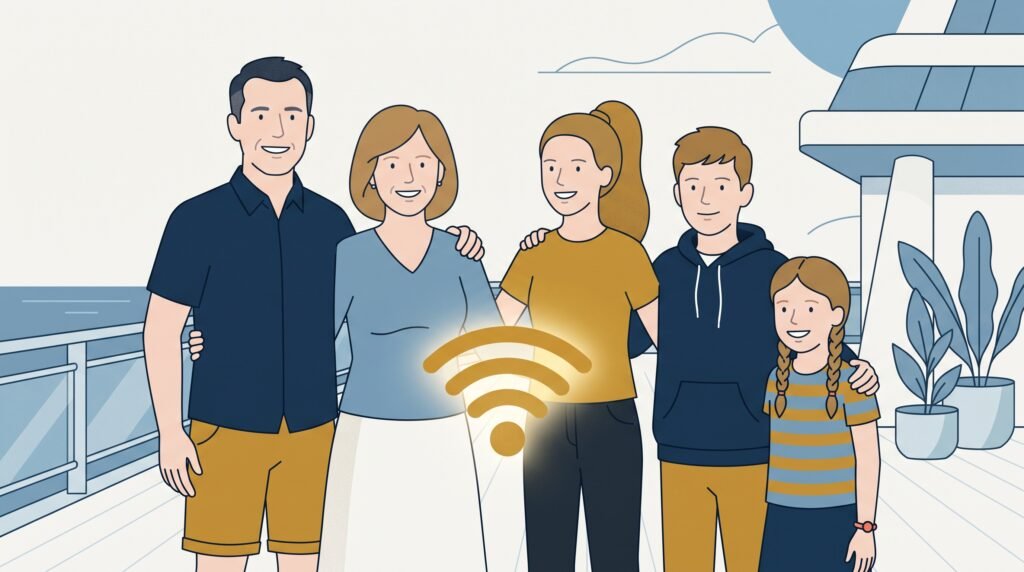
One thing that made this bearable: GigSky allows personal hotspotting, so my husband could tether his laptop and my daughter could connect off my phone too — not having to buy three separate ship packages felt like a proper win. (More on how we usually split one eSIM across the family.)
Who’s Actually Using All This Data?
The GigSky app is straightforward and shows a clear countdown of what’s left in your allowance. Once it runs out, the connection just stops — no surprise roaming bill, which I appreciated.
What it won’t tell you is who’s using it. With all three of us sharing one hotspot, I had no way of knowing whether my daughter was scrolling Instagram, my husband was emailing a client, or my own phone was quietly updating apps in the background. I ended up treating it like a bit of a whodunnit — constantly checking the app, silently accusing everyone in turn, and rationing screen time on pure suspicion.
Getting Set Up (Without the Stress)
I’m putting together a separate, dedicated guide with the exact setup steps, so I’ll keep this part brief. You can actually download the eSIM profile up to 30 days before you sail, and I’d genuinely recommend doing it at home, when there’s no stress and you’ve got a solid WiFi connection — not because the terminal WiFi will definitely let you down, just because I’d rather get it sorted for peace of mind before I’m queuing with luggage.
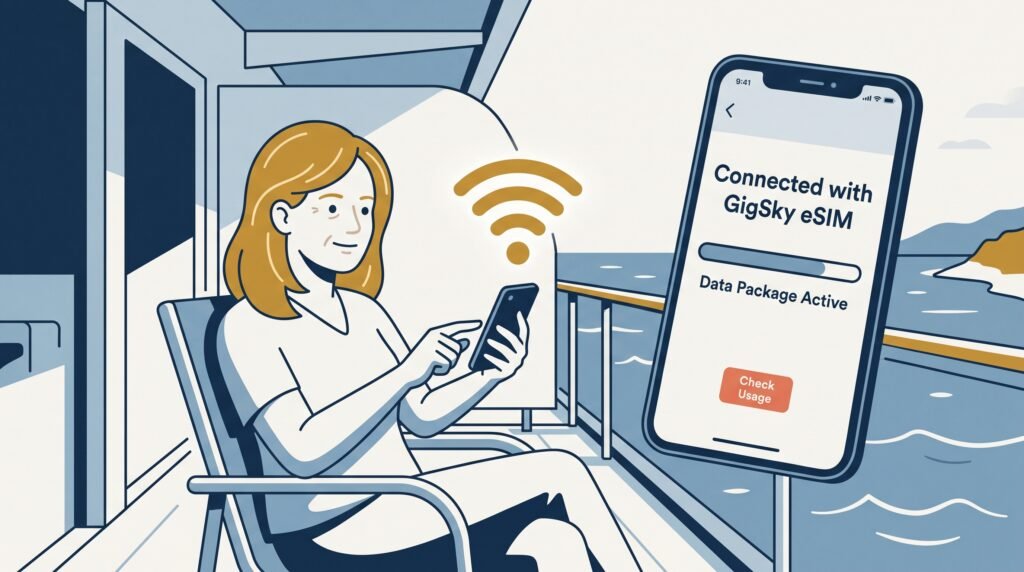
Because I’d bought a cruise-only plan, I left the GigSky line switched off while we were still in Southampton and stayed on my normal Three network. As we were about to pull away from the dock, I switched my phone to airplane mode and turned off mobile data on my Three SIM so I wouldn’t get hit with rogue maritime roaming charges, then switched over to the GigSky eSIM as my active line.
If you’ve ever sailed out of Southampton, you’ll know land stays in view for a surprisingly long time — the best part of an hour. I’ll admit I played a bit of chicken with it, leaving my old SIM on for longer than I probably needed to, just because I could still see shore and didn’t quite trust we’d really lost signal yet.
What the Connection Was Actually Like
Once the ship’s network picked up my phone, it settled into something genuinely usable — though how good it felt really depended on what I was doing. WhatsApp, emails, checking the news, looking up port information — all quick, no fuss. Sending photos took a bit longer than it would at home, but nothing that felt like a real problem.
The ship itself plays a big part too. Cruise ships are essentially floating blocks of steel, and steel is very good at blocking a signal. Out on the pool deck, in an open lounge, or on your balcony, the connection was strong and reliable. Down in a windowless interior cabin, surrounded by metal, it dropped out far more often.
You’ll also lose signal briefly at every port, not just the one you sail from — cruise ships have to switch off their at-sea cell towers whenever they’re within 12 nautical miles of land, so expect “No Service” for roughly an hour on the way out and again on the way in, wherever you’re docking. I’ve written more about why this happens.
We had an inside cabin, and signal there was patchy at best — very occasionally a WhatsApp message would trickle through, but generally it just didn’t work and I couldn’t rely on it. Oddly, that turned out fine for us. It got us up and out each morning — connecting to the internet became something we did on a walk or over breakfast, rather than lying in bed scrolling. I actually liked having that forced break. If a reliable signal in your cabin matters to you, though, it’s worth choosing something other than an inside cabin.
So, Does GigSky Work on a Cruise? My Verdict
GigSky works, and it delivers on the thing that actually mattered to me: I avoided the cruise line’s rigid daily WiFi packages entirely. Being able to hotspot my husband and daughter off one plan saved us a genuine chunk of money compared to buying three separate onboard passes, and for that alone, I’d use it again.
If unlimited data matters more to you than cost, it’s worth weighing up against Maya’s plans too — I’ve compared the two properly in GigSky vs Maya: Which Should You Choose? For us, the limited allowance actually worked in our favour in one way I hadn’t expected: my teenager doesn’t have unlimited data at home, so a capped, shared plan meant her phone use stayed naturally in check — which was something we wanted anyway.
Next time, I’ll be a bit more mindful going in — giving proper thought to how much data we’re likely to need before we sail, rather than guessing. I’m also tempted to give my daughter her own top-up to manage herself, so she’s not drawing from the same pool as her dad’s work laptop.
Last updated August 2026. This post contains affiliate links for GigSky — I get a small commission if you buy through them, at no extra cost to you. More on how that works →
Still deciding which eSIM?
Answer a few questions, get a personalised recommendation in under a minute.